The school media desk
Your morning show, hallway TVs and school news — run from one desk.
Students produce a real broadcast. Staff send announcements and media requests. Families watch live and get the newsletter. All in a web browser, with nothing to install on school computers.
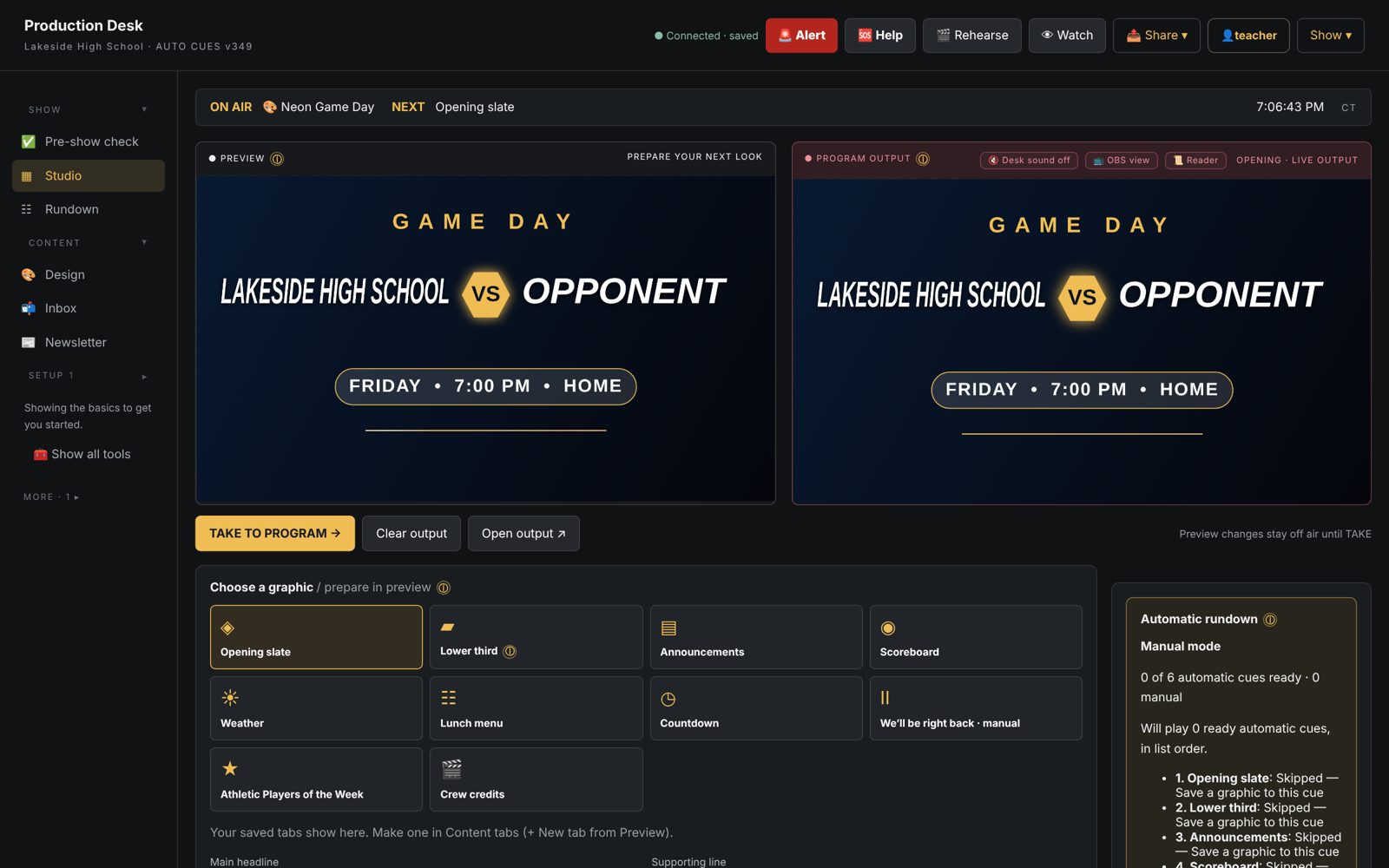
More than a broadcast tool
It gives principals, teachers, coaches, yearbook advisers and district leaders a reason to use it — not just the broadcast class.
Live morning show
Rundowns that run themselves, animated graphics, teleprompter, captions and a phone remote. Works with OBS.
Hallway screens
Any smart TV shows the show, messages, menus or scores. Change every screen from one page.
Emergency alerts
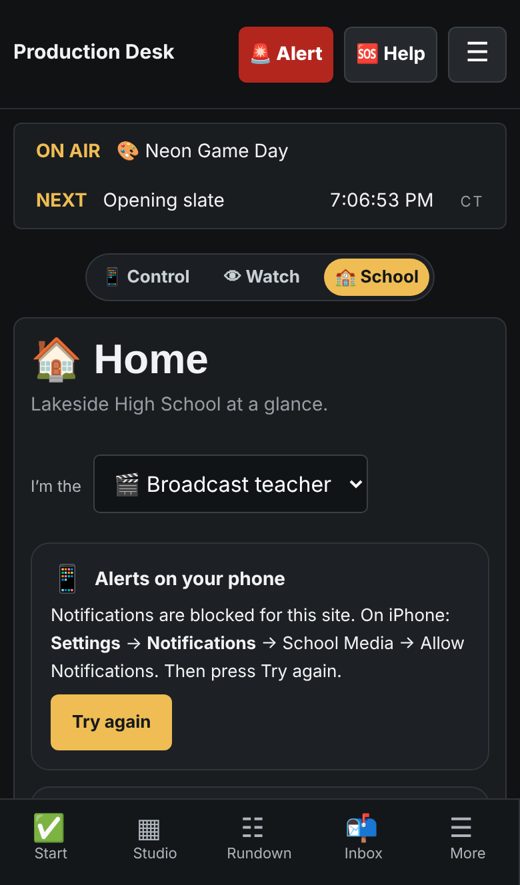
One button puts an alert on every school screen and buzzes staff phones. Only people you approve can send one.
School calendar
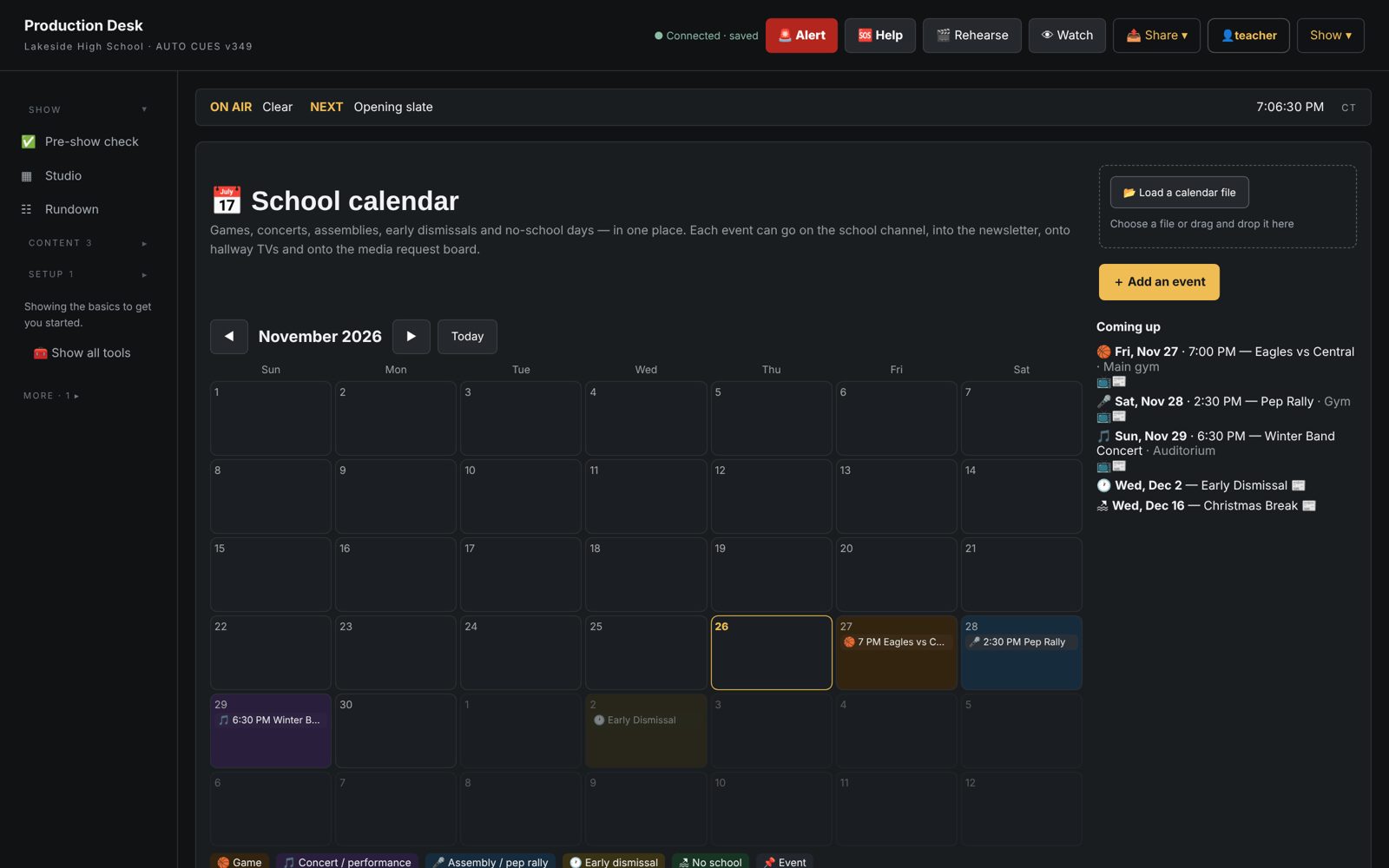
Load the district calendar from Excel, a PDF or a calendar link. Events flow into the show, the newsletter and the TVs.
Announcements and requests
Teachers and clubs send items from a link. Coaches request photos, video or interviews and get updates by email.
Families stay in the loop
A watch app, replays, a weekly newsletter in English or Spanish, and a media library for yearbook.
On the phone, too
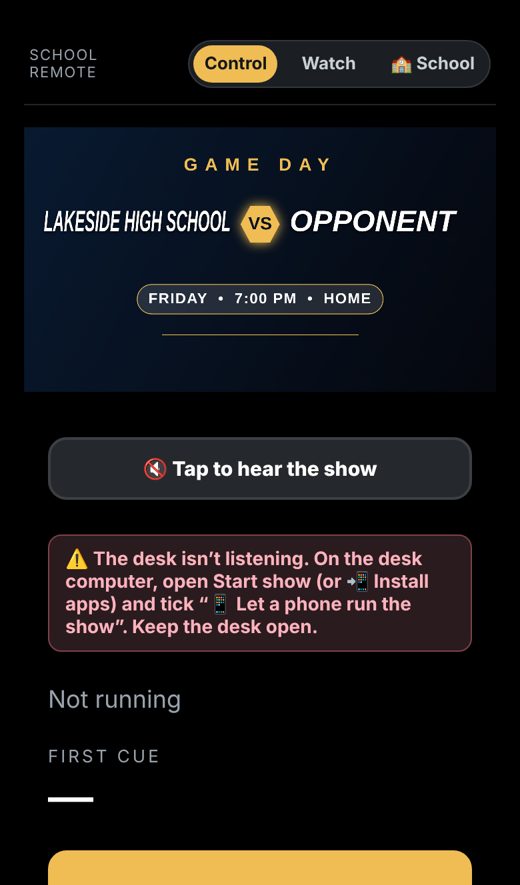
Students run the show from a phone remote. Staff open the School app for alerts, the calendar and screens. Families install a watch-only app with their viewer link.
- iPhone and Android
- Each person gets only what their role allows
- No phone numbers needed for alerts
Built for schools, safe by default
Students can't go live on their own
Nothing reaches air without a teacher's permission. The server enforces it.
Your school's data stays yours
No ads, no tracking, never sold. Each school is kept separate. Download or delete it all at any time.
You decide who has access
Staff sign in with Google or Microsoft. Roles, an access log, an admin PIN, media releases and weekly backups.
Ready for your district
FERPA and COPPA aware. A Privacy & Security Summary and data-sharing agreement on request.
Up and running in a day
- 1
We open your school's desk
Send us the teacher's school email. Your desk is ready the same day.
- 2
The teacher signs in
A guided setup walks through your logo, colors, crew and first rundown.
- 3
You're on the air
Rehearse first, then go live. Hallway TVs connect with a 6-letter code.
Packages for a school or a whole district
Tell us about your school and we'll send pricing and a short demo.
Derrick Jackson / Media Vision Share · djaxxvisuals@gmail.com · desk.mediavisionshare.com